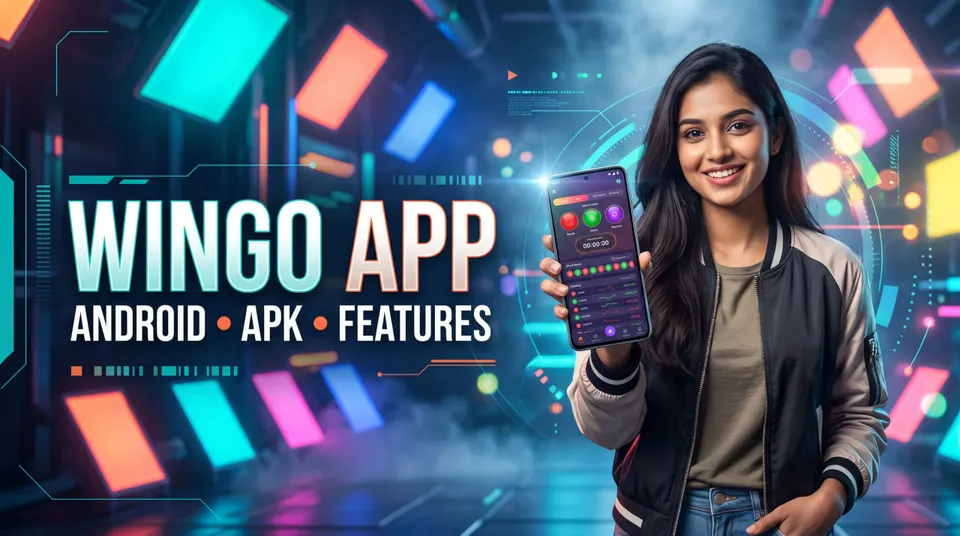
WinGo App Guide: Android Features, APK and Browser Access
Explore the WinGo app experience on Android, including game interfaces, countdown timers, result history, APK safety, browser access, installation checks and common mobile display problems.
In this article
- What Is a WinGo App?
- Is There One Universal WinGo App?
- Does WinGo Require an APK?
- WinGo App vs Mobile Website
- Mobile Application
- Mobile Website
- Comparison
- Common Features of a WinGo Mobile Interface
- Countdown Timer
- Period Number
- Colour and Number Results
- Result History
- Round Modes
- How to Understand the WinGo App Countdown
- Why Might a Timer Stop Updating?
- What Should You Check?
- What Is a WinGo APK?
- Why Publisher Verification Matters
- What Should You Check?
- Is a WinGo App Download Safe?
- Warning Signs
- APK Safety and Security
- WinGo App on Android: Compatibility Basics
- Android Version
- Storage
- Internet Connection
- Screen Size
- System Updates
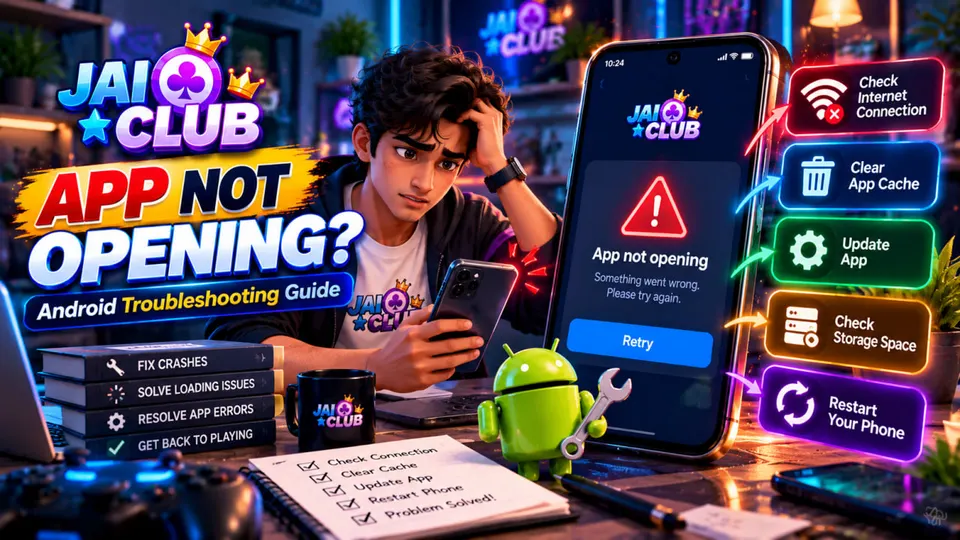
- WinGo App Not Opening
- First Checks
- WinGo App Stuck on Loading
- Check the Internet Connection
- Check Whether the Interface Is Responding
- Check for a Service Problem
- Avoid Repeated Installation Attempts
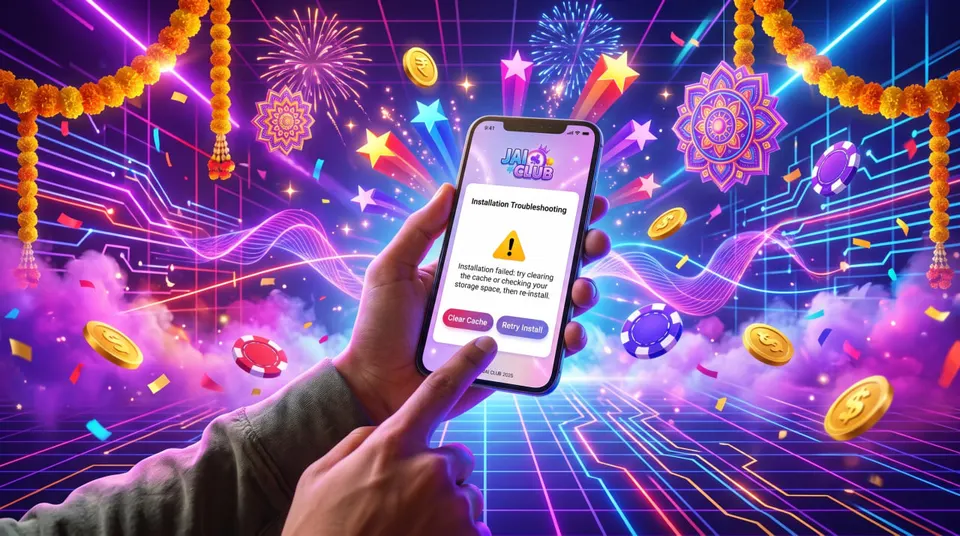
- WinGo App Not Installing on Android
- What Should You Check?
- WinGo App vs Chrome Browser
- Browser Advantages
- Browser Limitations
- App Advantages
- App Limitations
- How to Read WinGo Results on a Mobile Screen
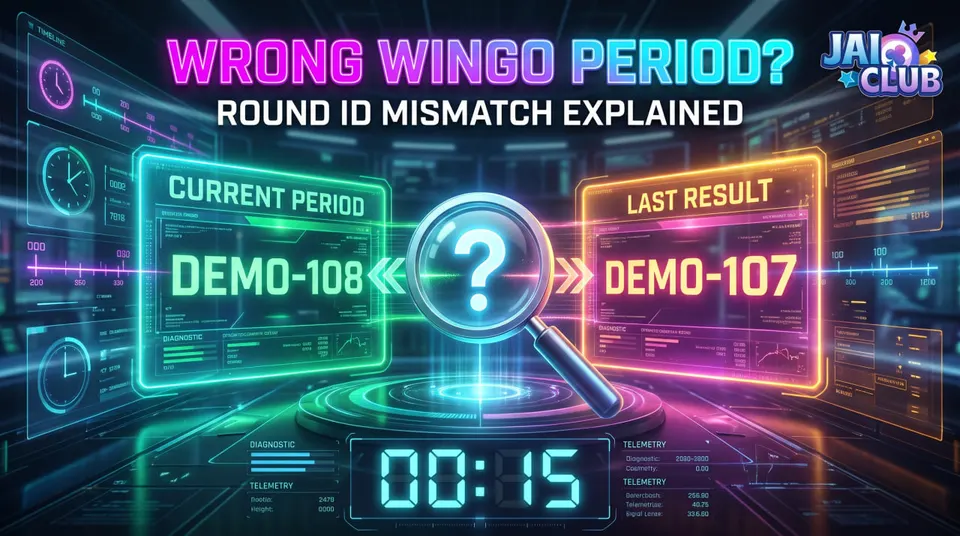
- Check the Full Period ID
- Check the Result Status
- Check the Selected Mode
- Check the Number and Colour Together
- Check the History
- Can a WinGo App Predict Results?
- Avoid Guaranteed Prediction Claims
- An AI Label Is Not Proof
- Historical Results Are Not Future Results
- Why App Permissions Matter
- Review Unexpected Requests
- Do Not Share Authentication Codes
- Protect Personal Data
- Common WinGo App Mistakes
- Mistake 1: Treating Every APK as Official
- Mistake 2: Installing Modified Prediction Apps
- Mistake 3: Ignoring Browser Access
- Mistake 4: Confusing Period Numbers With Results
- Mistake 5: Assuming a Frozen Timer Means a Changed Result
- Mistake 6: Disabling Security Settings Without Understanding the Risk
- WinGo App Quick Checklist
- Frequently Asked Questions
- 1. What is the WinGo app?
- 2. Is there an official WinGo APK?
- 3. Can WinGo be used on Android?
- 4. Is a WinGo app download necessary?
- 5. Why is a WinGo app not opening?
- 6. Why is the WinGo app stuck on loading?
- 7. Can I use WinGo through Chrome?
- 8. Does a WinGo app show result history?
- 9. Can a WinGo app predict the next number?
- 10. Is a WinGo APK from Telegram safe?
- 11. Why do result numbers look different across apps?
- 12. Can clearing cache solve app problems?
- Final Thoughts
WinGo is commonly discussed through its timed rounds, number results, colour categories and historical game records. Many people searching for "WinGo app" want to know how the mobile interface works, whether an Android application is necessary and how to avoid unsafe APK downloads.
But the term WinGo app can refer to different applications or web-based game interfaces.
An app displaying WinGo-style content is not automatically an official application from any particular service.
That distinction matters when looking for Android access, game information and account security.
This guide explains the WinGo mobile experience, the difference between browser and app access, features commonly associated with WinGo interfaces, and what to check before installing an APK.
For basic round terminology, start with our Jai Club WinGo Results History guide.
What Is a WinGo App?
WinGo app is a search term generally used for mobile applications or web interfaces associated with WinGo-style games.
A typical WinGo interface may display timed rounds, result numbers, colours, period identifiers and historical records.
However, availability varies by service.
Some gaming interfaces are accessed through an Android application.
Others may be available through a mobile browser.
Is There One Universal WinGo App?
A single universally recognised official Android application cannot be established from the name alone.
Different websites or publishers may use similar game-related terminology.
Always verify the publisher and source before treating an application as authentic.
Does WinGo Require an APK?
Not necessarily.
If a service offers a supported web interface, it may be accessible through a mobile browser.
The available method depends on the particular service.
WinGo App vs Mobile Website
An Android application and a mobile website can provide similar interfaces while using different technical arrangements.
Mobile Application
An installed app runs through Android.
It may include a dedicated navigation interface, locally stored preferences and device-specific features.
Mobile Website
A mobile website operates through a compatible browser.
It does not necessarily require installation.
Comparison
| Feature | Android App | Mobile Browser |
|---|---|---|
| Installation | May be required | Not normally required |
| Updates | Through trusted app source | Browser and website updates |
| Local data | App-managed | Browser-managed |
| Display | Dedicated app interface | Responsive web interface |
| Compatibility | Depends on app and Android | Depends on browser and website |
| Security | Depends on publisher and permissions | Depends on verified domain and browser |
Neither method is automatically safer simply because it uses a particular format.
Common Features of a WinGo Mobile Interface
A WinGo-style interface may include several sections.
These features should be understood as common interface concepts rather than confirmed features of every application.
Countdown Timer
A countdown can display the time remaining in a round stage.
It helps distinguish active rounds from upcoming transitions.
Period Number
The period ID identifies the round being displayed.
It is useful when comparing a result with a history record.
Colour and Number Results
A result section may display numerical outcomes and associated colour classifications.
The exact rules vary by game.
Result History
A history panel may show completed rounds and their recorded outcomes.
Round Modes
Some interfaces provide more than one round duration.
Different modes may have separate identifiers and results.
How to Understand the WinGo App Countdown
The countdown timer is a prominent visual feature in many WinGo-style interfaces.
However, the displayed time must be interpreted according to the game rules.
A timer reaching zero does not automatically prove that a final result has already been published.
Why Might a Timer Stop Updating?
Possible causes include:
- Network interruption
- Browser background activity
- Outdated page information
- Application rendering problems
- Temporary service delays
What Should You Check?
Look at the corresponding period number.
Then verify whether the result history has updated.
Our WinGo Countdown Timer troubleshooting guide explains these differences in more detail.
What Is a WinGo APK?
APK stands for Android Package.
It is a file format used to distribute and install Android applications.
An APK can contain application code and related resources.
However, the APK format itself does not establish that a file is safe or authentic.
Why Publisher Verification Matters
Two files can have similar names or icons while coming from different publishers.
A modified application may imitate a legitimate interface.
What Should You Check?
Before considering an APK, check:
- Publisher identity
- Source authenticity
- Application version
- Requested permissions
- File reputation
- Any available integrity verification
Never assume that a familiar filename proves authenticity.
Is a WinGo App Download Safe?
Safety depends on the actual application and its source.
A website offering a WinGo APK download may be legitimate, misleading or malicious.
Search ranking alone does not verify the publisher.
Warning Signs
Be careful if a download page:
- Promises guaranteed results
- Advertises a secret prediction algorithm
- Requests passwords or OTPs through messages
- Requires unusual permissions
- Encourages disabling Android security features
- Offers an unexplained modified APK
- Hides the publisher's identity
APK Safety and Security
A modified APK can contain unwanted code, even if the interface resembles a familiar game.
For additional guidance, read our Jai Club APK Download Safety article.
WinGo App on Android: Compatibility Basics
Android devices differ in software version, processing capability, memory and browser components.
An application that operates on one phone may behave differently on another.
Android Version
Some applications require particular Android versions.
Check the publisher's compatibility information where available.
Storage
Insufficient available storage can interfere with installation, updates and normal operation.
Internet Connection
Many online interfaces require a working network connection.
Screen Size
Smaller screens may display navigation menus or result tables differently.
System Updates
Current Android and browser components can improve compatibility and security.
WinGo App Not Opening
A WinGo-related application may fail to open because of several technical problems.
Possible causes include corrupted application data, incompatible versions, low storage or service-side errors.
First Checks
Restart the device.
Confirm that unrelated applications work normally.
Check available storage.
Review whether legitimate software updates are available.
Avoid reinstalling an unknown APK simply because the current application fails.
For broader Android troubleshooting, see our Jai Club App Not Opening guide.
WinGo App Stuck on Loading
A loading problem can occur even when the application itself opens successfully.
Check the Internet Connection
Open a familiar website to confirm connectivity.
Check Whether the Interface Is Responding
Determine whether buttons and menus work.
Check for a Service Problem
If unrelated websites work normally but the particular service does not load, the issue may be service-specific.
However, that observation alone does not prove an outage.
Avoid Repeated Installation Attempts
Reinstalling an application will not necessarily resolve server-side issues.
WinGo App Not Installing on Android
Installation failures can have different explanations.
The APK may be incompatible with the device.
The file may be incomplete.
Android may reject the package.
Insufficient storage or existing application conflicts may also interfere.
What Should You Check?
Review the exact error message.
Check your Android version and available storage.
Verify the application's source and publisher.
Do not switch off important security protections to install a file of uncertain origin.
For more information, explore the App Help category.
WinGo App vs Chrome Browser
Chrome is commonly used on Android devices in India.
A compatible mobile website may provide a convenient way to access information without installing another application.
However, the availability of any particular WinGo service in Chrome must be verified.
Browser Advantages
A browser can provide access without installing an APK.
It may also make inspecting the website address easier.
Browser Limitations
Browser cookies, private mode and background tab behaviour can affect some interfaces.
App Advantages
A properly supported application may provide a dedicated experience.
App Limitations
Installation, updates and permissions introduce additional considerations.
The best access method depends on the verified service and the device.
How to Read WinGo Results on a Mobile Screen
Some mobile interfaces display compact result tables.
This can make it easy to confuse an active period with the latest completed result.
Check the Full Period ID
Do not compare only the final digits.
Check the Result Status
Find out whether the round is completed.
Check the Selected Mode
Different round-duration modes may use separate histories.
Check the Number and Colour Together
A colour label alone may not be sufficient to verify the record.
Check the History
Match the completed period with its corresponding recorded result.
Can a WinGo App Predict Results?
An application can generate forecasts or display predicted numbers.
However, that does not establish that the forecasts are accurate.
A prediction feature should be assessed through independent, timestamped tests.
Avoid Guaranteed Prediction Claims
Promises of guaranteed colours, numbers or outcomes are not established by an app interface.
An AI Label Is Not Proof
An application claiming to use AI may still lack meaningful predictive information.
Historical Results Are Not Future Results
A chart showing previous rounds does not automatically reveal the next outcome.
Why App Permissions Matter
Android permissions govern access to certain device capabilities and information.
An application may request permissions for functions it uses.
However, a permission request should be considered in relation to the application's stated purpose.
Review Unexpected Requests
Be cautious if an unfamiliar application requests broad access unrelated to its apparent function.
Do Not Share Authentication Codes
An OTP or recovery code should remain private.
Protect Personal Data
Avoid installing software from unverified publishers or sharing sensitive information with unofficial support accounts.
Common WinGo App Mistakes
Mistake 1: Treating Every APK as Official
A familiar name is not proof of authenticity.
Mistake 2: Installing Modified Prediction Apps
Claims about secret results can be misleading and may create security risks.
Mistake 3: Ignoring Browser Access
A supported website may offer access without a separate application.
Mistake 4: Confusing Period Numbers With Results
Period IDs identify rounds.
Mistake 5: Assuming a Frozen Timer Means a Changed Result
A timer display problem does not independently establish an outcome change.
Mistake 6: Disabling Security Settings Without Understanding the Risk
Unnecessary changes can weaken device protection.
WinGo App Quick Checklist
Before using an unfamiliar mobile interface, check:
- Is the publisher independently verified?
- Is the website address authentic?
- Is the application compatible with the device?
- Are requested permissions reasonable?
- Does the interface use a clear period ID?
- Is the game mode identified?
- Can completed results be matched with history?
- Are software updates from a trusted source?
- Are prediction claims supported by evidence?
- Is account information kept private?
Frequently Asked Questions
1. What is the WinGo app?
The term commonly refers to Android applications or mobile interfaces associated with WinGo-style games.
2. Is there an official WinGo APK?
Official status cannot be determined from the filename or game name alone. Verify the publisher and distribution source.
3. Can WinGo be used on Android?
Android compatibility depends on the specific application or web service.
4. Is a WinGo app download necessary?
Not always. A supported mobile website may be available through a browser.
5. Why is a WinGo app not opening?
Possible causes include connection problems, incompatibility, damaged app data, insufficient storage or service issues.
6. Why is the WinGo app stuck on loading?
A slow network, software problem or temporary service issue may prevent content from loading.
7. Can I use WinGo through Chrome?
If the relevant service supports mobile web access, a compatible browser may be suitable.
8. Does a WinGo app show result history?
Some interfaces do. The available features depend on the particular implementation.
9. Can a WinGo app predict the next number?
An app may generate a forecast, but reliable accuracy requires independent evidence.
10. Is a WinGo APK from Telegram safe?
A Telegram link does not verify the publisher or the APK's safety.
11. Why do result numbers look different across apps?
The interfaces may use different modes, sources, histories or numbering rules.
12. Can clearing cache solve app problems?
Sometimes, but clearing all app data can remove locally stored sessions. Start with less disruptive checks.
Final Thoughts
The WinGo app experience depends on the particular Android application or mobile website being used.
Countdown timers, period numbers, colour results and historical records are common interface concepts, but their exact implementation varies.
Before installing an APK, verify the publisher and source.
Before interpreting game information, confirm the mode, period ID and result status.
And before trusting prediction features, look for complete evidence rather than promotional claims.
For further guidance about game rounds and mobile compatibility, explore our Jai Club Game guides and Android App Help articles.
A clear understanding of the interface and its limitations is more useful than relying on an unverified download or prediction promise.